You’ve made the decision: Excel time tracking is going, and from now on it runs through Fritto. Making the decision was the easy part. It gets harder once you announce it to your team and brace for the first reactions: “Not another new tool,” “The old file worked fine,” “Who’s going to have time to learn this.”
That’s not a sign of stubbornness on your team’s part. It’s a fairly predictable human reaction to change — and once you understand where it comes from, the right approach can soften it considerably. This article looks at why teams resist new software at first, and lays out a concrete two-week plan for moving your team from Excel to Fritto with as little friction as possible.
Short version: resistance to new software rarely has much to do with the software itself — it’s usually about loss of control, fear of looking incompetent, or simply not being asked. Involve the team in week one and build in a parallel-running safety net in week two, and the switch goes noticeably smoother than an announcement handed down from above.
Why teams resist new software — even when it’s better
The easy assumption is that your team is just comfortable with what it knows. In most cases that misses the point. Resistance to new software follows a handful of very human patterns that show up again and again, regardless of the specific tool.
Loss aversion: the old system is “theirs”
Someone has maintained that Excel file for years, built the formulas, arranged the columns to fit their own way of working. Switching doesn’t feel like an upgrade — it feels like losing something that took real effort to build, even when the new system is objectively less work. People weigh a looming loss more heavily than an equally sized gain.
Fear of control: does time tracking start to feel like surveillance?
An Excel file you fill in yourself, with no one watching in real time, feels less threatening to many people than a system where every entry is instantly visible to a manager. That concern is legitimate enough to deserve a real answer, not just a reassurance in passing. For more on introducing time tracking in a way that doesn’t feel like monitoring, see our article Time Tracking Without the Surveillance Feel: Here’s How.
Fear of looking incompetent
Experienced employees who are seen as confident Excel users briefly lose that status with a new tool. The worry about looking unsure in front of younger colleagues is rarely said out loud — but it often shows up as delay, excuses, or pointed skepticism about the tool itself.
Change fatigue: “it was the same with the last tool”
If a company has rolled out a tool before and quietly dropped it a few months later, the next announcement comes with a silent “this won’t last either.” That experience can’t be argued away — only disproved by visibly following through.
Not being asked: decisions from above breed resistance
An announcement by email or in a team meeting, with no one on the team consulted beforehand, lands like a done deal. That alone provokes pushback, even when the decision itself is the right one — people resist a change far less when they were allowed to help shape it.
The ground rule for the switch: involvement before instruction
These five patterns point to one practical conclusion: the switch doesn’t succeed because Fritto is simpler than Excel — that argument alone won’t convince anyone who feels bypassed. It succeeds because the team is involved from the start, concerns are taken seriously, and no one is confronted with a done deal overnight. That’s exactly what the plan below is built to do.
The two-week plan
This plan assumes a team of roughly 5 to 15 people. For a larger rollout, it’s worth stretching each phase by a few extra days.
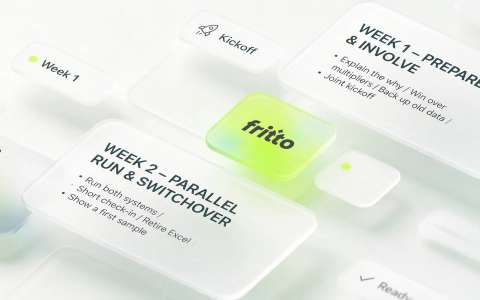
Week 1: Prepare and involve
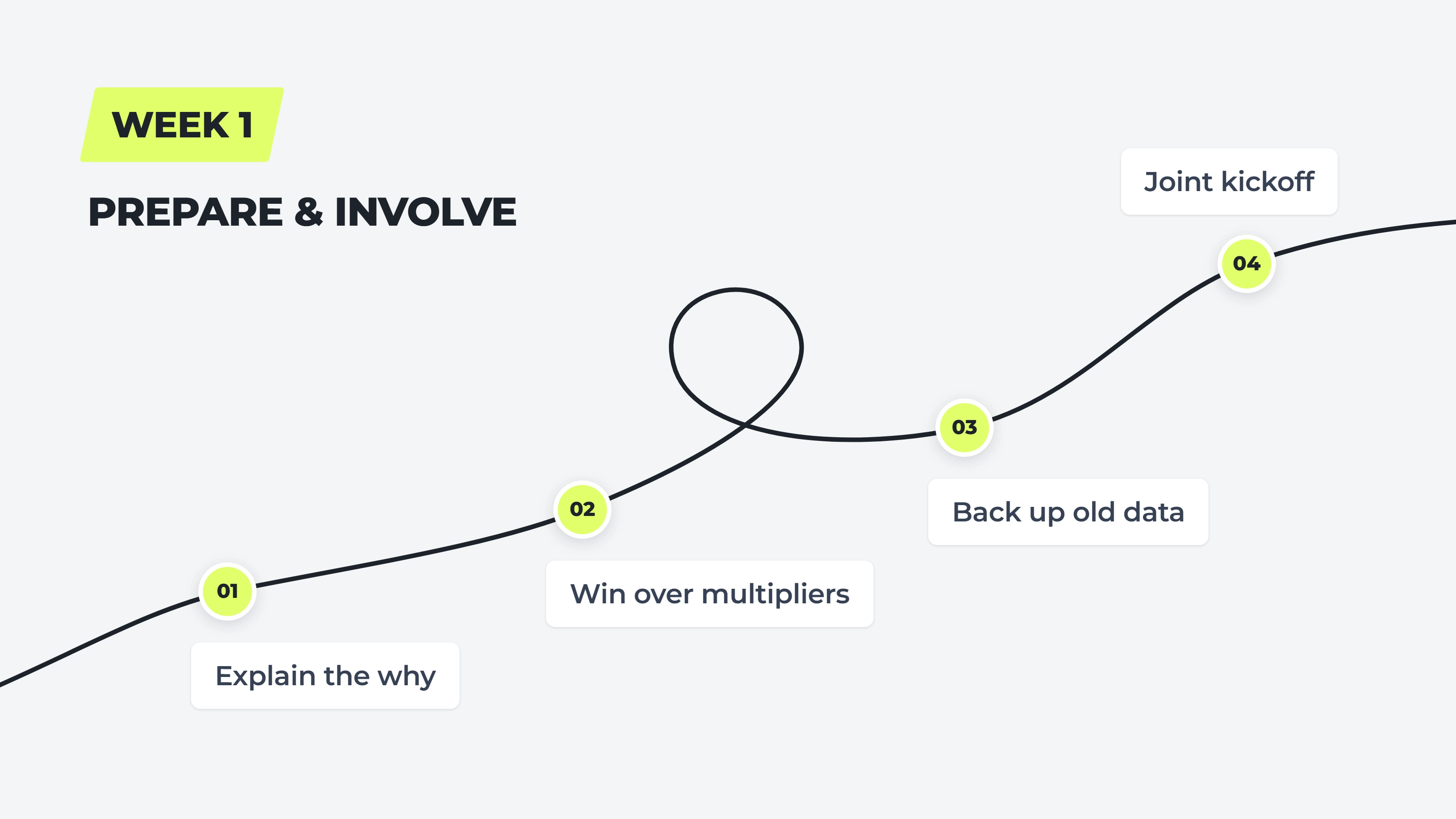
Step 1 — Explain the why first: Before you talk about the new tool, explain the reason for the switch — the legal requirement to record working time, say, or the hours lost every month pulling together five Excel files. A reason everyone can follow takes the edge off what would otherwise sound like an order.
Announcement template (adapt as needed):
“Hi everyone, starting [date] we’re switching our time tracking from Excel to Fritto. The reason is [the legal record-keeping requirement / the time we lose every month pulling the Excel files together]. This week I’ll walk everyone through it, and we’ll set up your clients and projects together. Questions and pushback are genuinely welcome — reach out to me any time.”
Step 2 — One or two multipliers instead of an announcement to everyone: Talk first to one or two people on the team whose opinion carries weight with the others. Let them try Fritto ahead of time and ask questions. When these people back the rollout within the team, the switch feels like a shared decision rather than an instruction from above.
Step 3 — Back up the old Excel data, don’t delete it: Export and archive the existing Excel files before the switch begins, and tell the team explicitly that none of it is being lost. That removes part of the basis for loss aversion — no one has to worry that carefully maintained data will simply disappear.
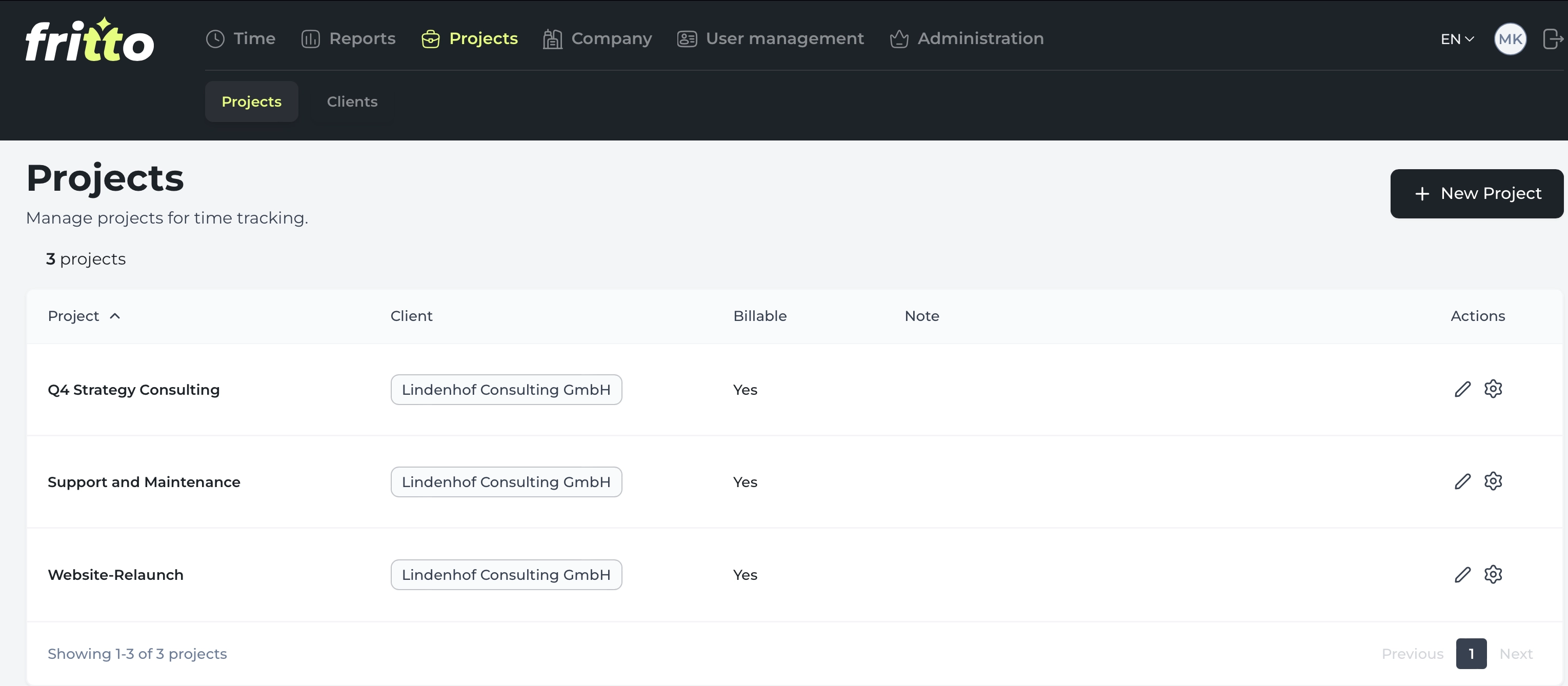
Step 4 — A joint kickoff session: Set up clients and projects in Fritto together with the team, rather than handing over a system that’s already configured. Plan for about an hour, more or less depending on how many clients and projects your team has. People who helped set it up tend to see the system as their own tool rather than something imposed on them.
Week 2: Run in parallel, then switch over
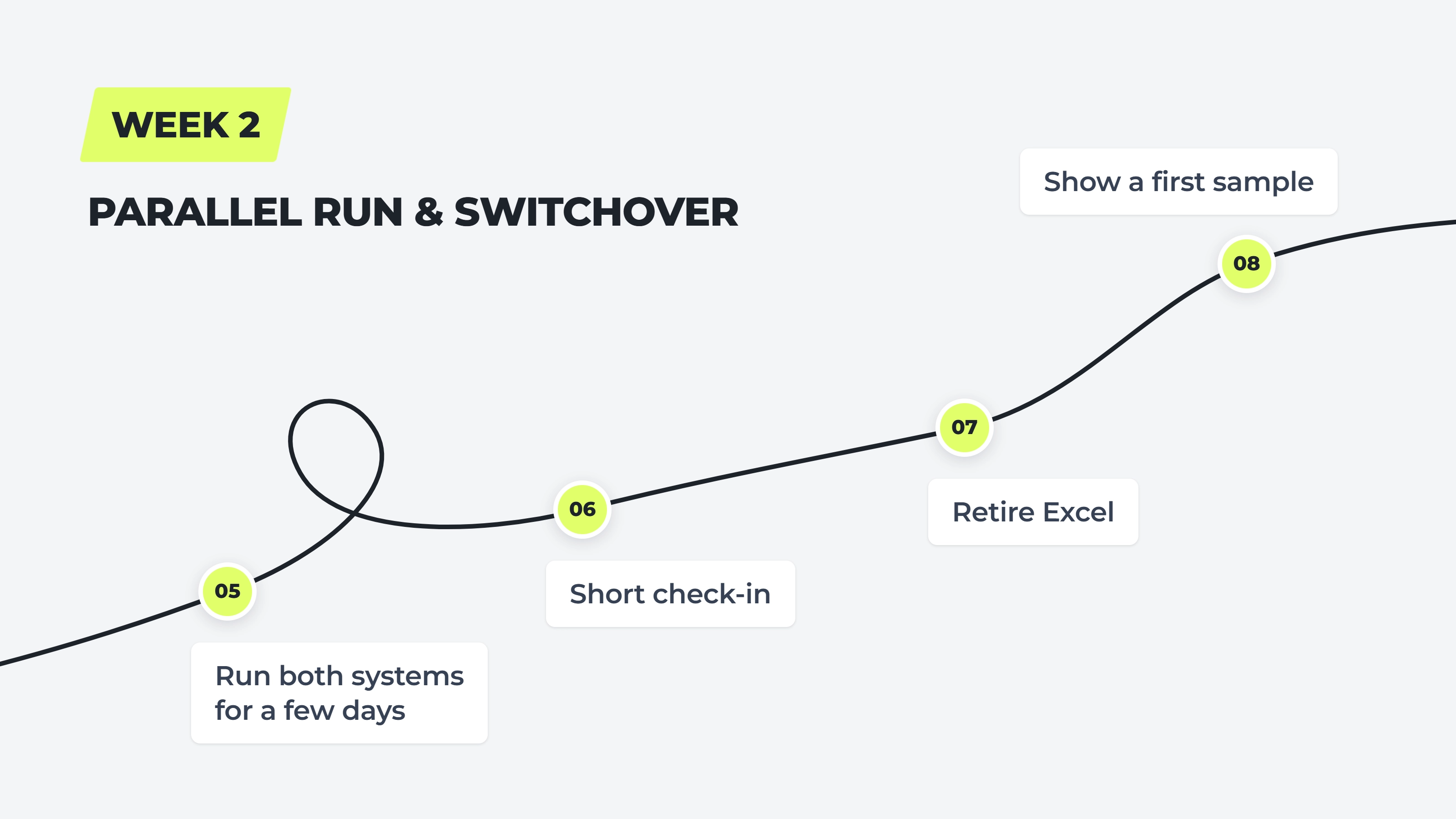
Step 5 — Run both systems in parallel for a few days: At the start of week two, have the team log time in both Fritto and the familiar Excel file for two to three days. Yes, that means double the logging effort for a few days — that’s the price of the safety net. It’s worth it, because no one has to worry about making an irreversible mistake during the switch.
Step 6 — A short check-in after two to three days: Ask actively instead of waiting for complaints: what’s unclear, what’s missing, what’s annoying. Small hiccups sorted out now stop turning, in hindsight, into a big “Fritto just doesn’t work for us.”
Step 7 — Retire Excel for day-to-day use: Set a fixed cut-off date after which time is only logged in Fritto, and communicate it clearly in advance. An open-ended transition with no firm date almost always means the old Excel file quietly lives on out of habit.
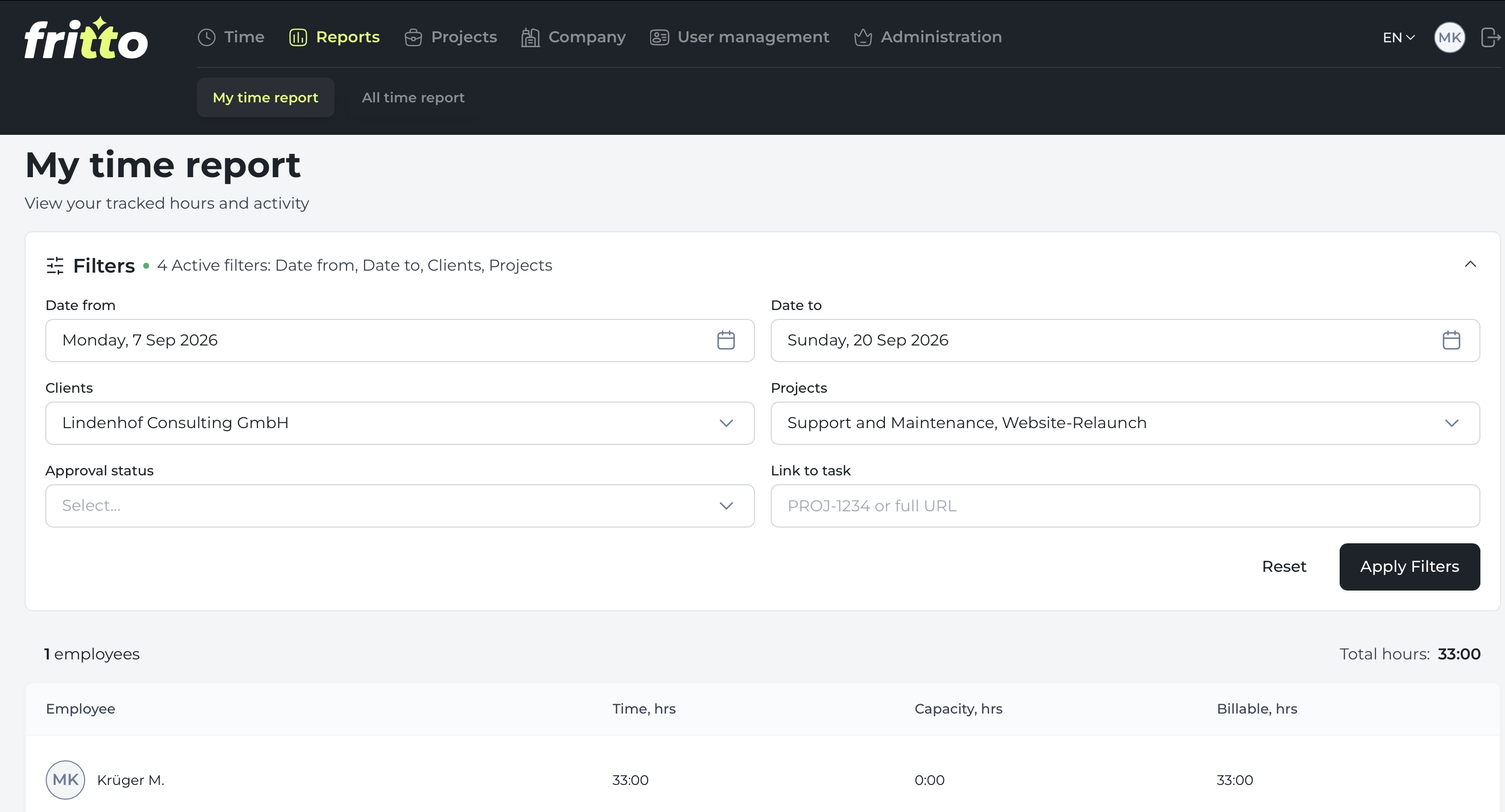
Step 8 — Show a first sample of the reports: Two weeks isn’t enough data for a meaningful monthly breakdown yet. Still, at the end of week two, pull a first sample out of Fritto together to show the shape of what later reports will look like — and what’s already changing for each individual person, whether that’s fewer follow-up questions or less time spent on their own documentation.
What to avoid during these two weeks
The plan above only works if these three mistakes don’t happen at the same time — each one undoes one of the steps above:
Skipping Step 1 and jumping straight to the tool without explaining the reason first
Skipping Step 5 and turning off Excel from one day to the next, with no safety net
Treating Step 6 as a formality instead of actually acting on the feedback
What matters after the two weeks
The switch isn’t automatically finished once the cut-off date passes. Plan a short check-in after about four weeks to ask whether logging time now feels normal, or whether some people are still splitting their time between both systems. People who see that the switch is meant seriously and permanently — and that the questions they raised in week two actually changed something — settle into the new system noticeably faster.
If your team isn’t ready for the full switch just yet, it doesn’t have to be all-or-nothing: Excel, Fritto, or both shows how Fritto can also work as an addition to your existing Excel templates.
Bottom line
The technical switch from Excel to Fritto takes a few minutes. The real work lies elsewhere: guiding a team through a change without anyone feeling bypassed. Involvement instead of instruction, a safety net instead of a hard cutover, and a fixed, clearly communicated timeline won’t make the resistance disappear — but they will make it considerably shorter.